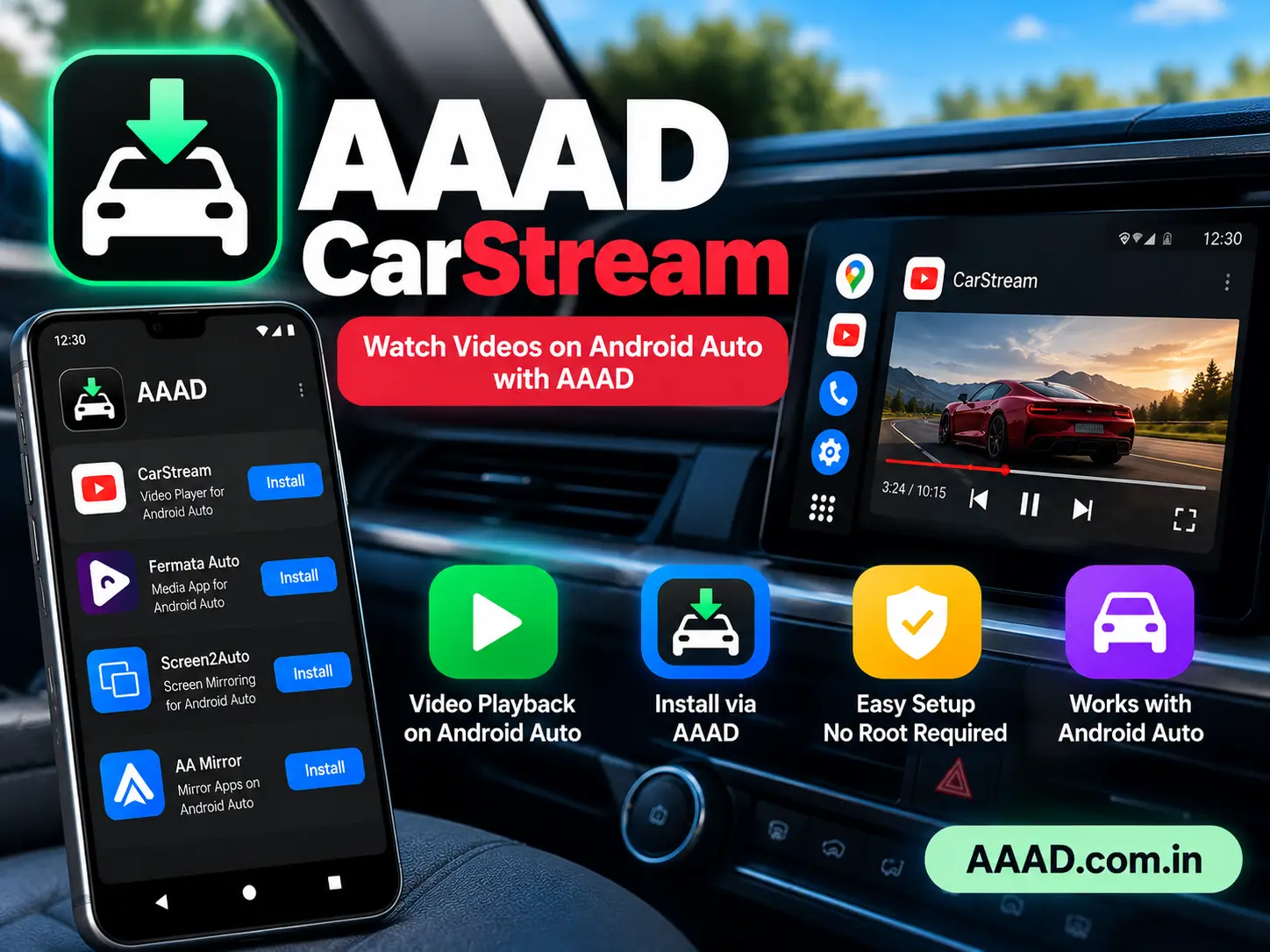
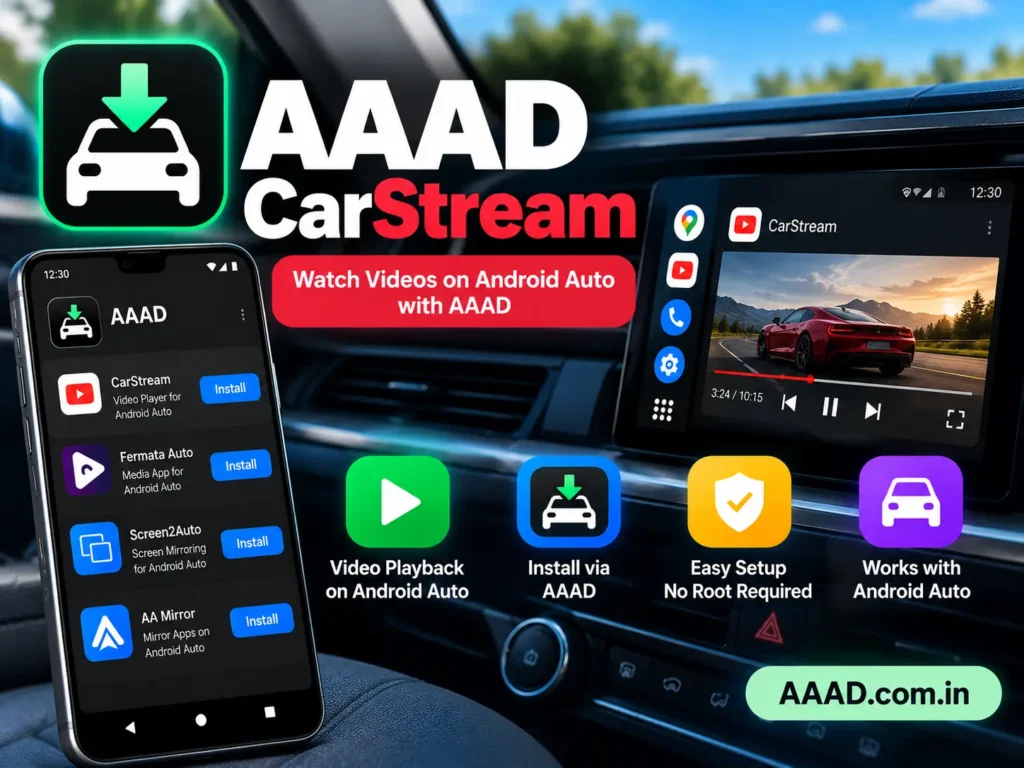
AAAD CarStream is a popular search term among Android Auto users who want to learn about installing CarStream through Android Auto Apps Downloader (AAAD). CarStream is a third-party application associated with video playback features, while AAAD is a separate Android app designed to download and install selected third-party applications for Android Auto.
Although AAAD lists CarStream among the projects it supports, installing it does not guarantee that it will work on every phone or vehicle. Compatibility depends on the Android version, Android Auto version, CarStream build, and current system restrictions.
In this guide, we explain what AAAD CarStream is, how the two applications work together, how to check compatibility, how to troubleshoot common problems, and what to know before installing third-party software.
What Is AAAD CarStream?
AAAD CarStream refers to using Android Auto Apps Downloader to obtain and install CarStream, where the application is available and compatible.
AAAD provides a central interface for downloading selected third-party Android Auto applications. CarStream is a separate application developed by contributors acknowledged in the AAAD project documentation.
The two applications serve different purposes:
- AAAD: Helps users download and install selected third-party apps.
- CarStream: A third-party application associated with video playback functionality.
- Android Auto: Google’s platform for using compatible phone applications through a vehicle’s infotainment system.
AAAD does not develop every application it lists and does not guarantee that CarStream will work on your device. The original documentation provides the apps on an as-is basis. You can review the project details in the official AAAD GitHub repository.
What Is CarStream Used For?
CarStream is associated with video playback through Android Auto. This is different from standard Android Auto applications, which are designed around supported navigation, communication, and media experiences.
Users generally research CarStream to understand its features, availability, installation requirements, and compatibility with their phones.
However, you should not assume that every CarStream version offers the same functionality or works with every Android Auto release. Features may change, and platform restrictions can prevent an app from appearing on the vehicle display.
Safety note: Never watch videos or interact with video playback while driving. Only use video-related features when the vehicle is safely parked and local laws permit it.
Key Features of AAAD CarStream
Installation Through AAAD
AAAD provides an interface for downloading selected third-party applications. When CarStream is available in the version you use, you can review it and follow the installation prompts.
The availability of CarStream may change, so check the current application list before proceeding.
Android-Based Installation
AAAD is designed for Android phones. Its normal installation process does not require root access or a computer.
However, this does not mean that every CarStream version will install successfully or function on all Android devices.
Android Auto Integration
CarStream is associated with Android Auto-related video features. Whether it appears on your vehicle display depends on compatibility and applicable software restrictions.
Successful installation on your phone is not proof that the app will appear in Android Auto.
Compatibility Depends on Software Versions
Android, Android Auto, AAAD, and CarStream can all change over time. An update to one component may affect how the others work.
Before installing, check the current release information and known issues rather than relying on old installation instructions.
No Guaranteed Support for Every Device
AAAD’s developer explicitly states that the installer cannot guarantee that the applications it provides will work in Android Auto.
This is an important limitation for anyone considering CarStream. Check the requirements for your specific device before spending time troubleshooting.
How to Download CarStream Through AAAD
If you want to investigate CarStream, start with the original AAAD documentation.
Check the Official AAAD Repository
The developer identifies this repository as the official source for AAAD. Other APK download websites are not affiliated with the project according to its documentation.
Review the Available Release
Open the AAAD releases page and review the available versions and release notes.
Check the Android compatibility information before downloading. Do not assume that an older release is suitable for a newer Android version.
Install and Open AAAD
If the release is suitable for your device, download the APK from the original repository and follow Android’s installation prompts.
Check the source and investigate any security warnings before proceeding.
Check Whether CarStream Is Listed
Open AAAD and review the available applications.
If CarStream is listed, read any available information and compatibility notes before selecting it. If it is not listed, do not assume that an APK from an unrelated website is a safe or equivalent replacement.
Follow the Installation Prompts
If CarStream is available and you choose to proceed, follow the prompts shown by AAAD and Android.
The exact process can differ between releases. If the installation fails, record the error message and consult the current developer documentation instead of repeatedly installing different APK files.
How to Check Whether CarStream Works With Your Device
Before installing CarStream, consider these factors.
Android Version
The Android version on your phone can affect third-party app installation and Android Auto compatibility.
AAAD’s current documentation warns that versions below 2.0 are incompatible with Android 14 and newer, while compatibility for its 2.x releases remains uncertain. This is a limitation reported by the AAAD project, not a guarantee that a particular CarStream build will work.
Check the latest release notes for your specific configuration.
Android Auto Version
Android Auto updates can change how third-party applications behave. An app that worked on an earlier release may stop appearing or functioning after an update.
Check current documentation and known issues before attempting a fix.
Phone and Vehicle Compatibility
Different phone manufacturers and vehicle infotainment systems can behave differently.
Even if CarStream installs successfully, its availability on your vehicle display may be affected by device-specific restrictions. Do not assume that results from another person’s phone will apply to yours.
Current CarStream Availability
The presence of CarStream in an older guide does not establish that it remains available or compatible today.
Check the current AAAD application list and relevant developer information before downloading anything.
How to Fix Common AAAD CarStream Problems
If CarStream does not work as expected, use the following checks to identify the likely cause.
CarStream Does Not Appear in AAAD
First, confirm that you are using the original AAAD application and review its current release information.
The application list may change. If CarStream is not listed, do not download an unknown replacement just to make it appear.
CarStream Installs but Does Not Appear in Android Auto
An app may install on the phone without becoming available on the vehicle display.
Possible causes include:
- Android or Android Auto compatibility restrictions.
- A change in the third-party app’s installation method.
- A device-specific limitation.
- An incompatible or outdated application version.
Review the current documentation for AAAD and CarStream. There is no universal fix that guarantees the app will appear.
CarStream Stops Working After an Update
Updates to Android, Android Auto, or CarStream can affect compatibility.
Check the release notes and known issues before reinstalling the app or considering another version. Avoid downgrading without confirming that the older release is appropriate for your device.
Android Blocks the Installation
Android may display a warning or prevent installation of an APK.
Verify that you obtained the file from a trusted source and investigate the warning. Do not automatically disable Google Play Protect or other security controls to force installation.
If the file’s authenticity cannot be established, do not install it.
The App Crashes or Behaves Unexpectedly
If CarStream crashes, stop using it and check the app’s current documentation for known issues.
Avoid repeatedly installing modified APKs from unfamiliar sources. If the problem persists, consider removing the app until a compatible and trustworthy version is available.
Is AAAD CarStream Safe?
Safety requires evaluating both the installer and the application.
AAAD is a third-party installer, while CarStream is a separate third-party application. Using AAAD does not automatically verify the security or reliability of every application it offers.
Follow these precautions:
- Obtain AAAD from its original developer’s repository.
- Check the source of any CarStream APK before installing it.
- Avoid modified, cracked, or repackaged APK files.
- Review the permissions requested by each application.
- Investigate security warnings rather than ignoring them.
- Keep your phone’s software updated.
- Remove applications you no longer trust or need.
Also remember that video playback can distract drivers. Use video-related features only when the vehicle is safely parked and the activity is permitted by local law.
AAAD CarStream vs. Other Android Auto Apps
CarStream is not the only application associated with AAAD. Depending on the current release, users may also encounter other third-party applications.
| Application | General Purpose | Important Consideration |
|---|---|---|
| CarStream | Associated with video playback | Availability and compatibility can vary |
| Fermata Auto | Media-related functionality | Check current features and requirements |
| Screen2Auto | Screen-related functionality | Compatibility depends on device and software |
| AA Mirror | Screen mirroring | Availability and behavior are not guaranteed |
These applications are not interchangeable, and the table does not guarantee that any particular app is currently available or working.
Choose an application based on its documented purpose and compatibility with your device. Any video playback or screen mirroring should be restricted to safe, parked use.
Frequently Asked Questions About AAAD CarStream
What Is AAAD CarStream?
AAAD CarStream refers to using Android Auto Apps Downloader to download and install CarStream when it is available and compatible. AAAD is the installer, while CarStream is a separate third-party application.
Is CarStream Available in AAAD?
The original AAAD documentation acknowledges CarStream among the applications associated with the project. Its current availability can change, so check the application’s list and release information before proceeding.
Does AAAD CarStream Work on Every Android Phone?
No. Compatibility depends on Android, Android Auto, AAAD, CarStream, and device-specific restrictions. Successful installation does not guarantee that the app will appear on the vehicle display.
Can I Use CarStream on an iPhone?
CarStream and AAAD are Android applications, not native iOS applications. They are not designed to be installed directly on an iPhone.
Do I Need Root Access to Install CarStream Through AAAD?
The normal AAAD installation process does not require root access. However, individual app compatibility and installation requirements may vary.
Is AAAD CarStream Free?
AAAD offers free and Pro usage options. Its documentation describes a limited download allowance for the free version and unlimited downloads for Pro. Check the current terms in AAAD before purchasing a license. The availability or pricing of CarStream itself may differ.
Why Does CarStream Not Appear in Android Auto?
The app may be incompatible with your software configuration, affected by an Android Auto update, or restricted on your device. Check current documentation rather than assuming that a single workaround will fix the problem.
Is It Safe to Watch CarStream Videos While Driving?
No. Do not watch videos or interact with distracting playback features while driving. Use such features only when the vehicle is safely parked and local laws permit them.
Final Verdict
AAAD CarStream is a useful topic to understand if you are researching third-party applications associated with Android Auto. AAAD can simplify the installation of selected apps, but it cannot guarantee that CarStream will work with every phone, Android version, or vehicle.
Before proceeding, check the original developer’s documentation, verify the source of downloaded files, and review compatibility limitations. Avoid unknown APK sources and never use video playback while driving.