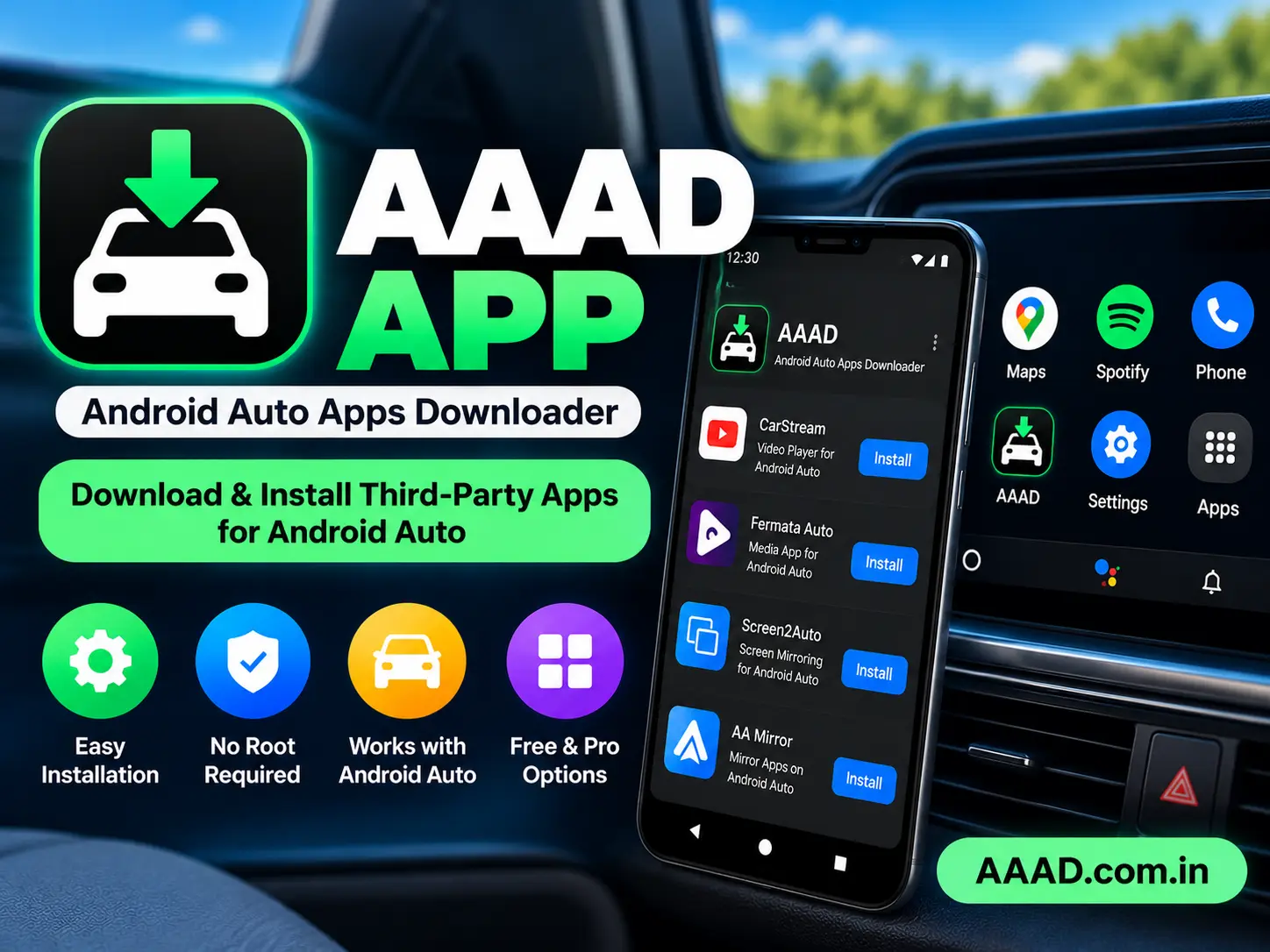
The AAAD App (Android Auto Apps Downloader) is an Android application designed to help users download and install selected third-party applications intended for Android Auto. It offers a straightforward way to explore supported apps without requiring a rooted phone or a computer for the usual installation process.
With the AAAD app, users can explore applications such as CarStream, Fermata Auto, and other tools listed in the downloader. However, availability and compatibility depend on the AAAD version, Android version, and Android Auto environment. Installing an app does not guarantee that it will appear or work correctly on every vehicle.
In this guide, you will learn what the AAAD app does, how it works, its main features, supported applications, installation process, compatibility limitations, and important safety considerations.
What Is the AAAD App?
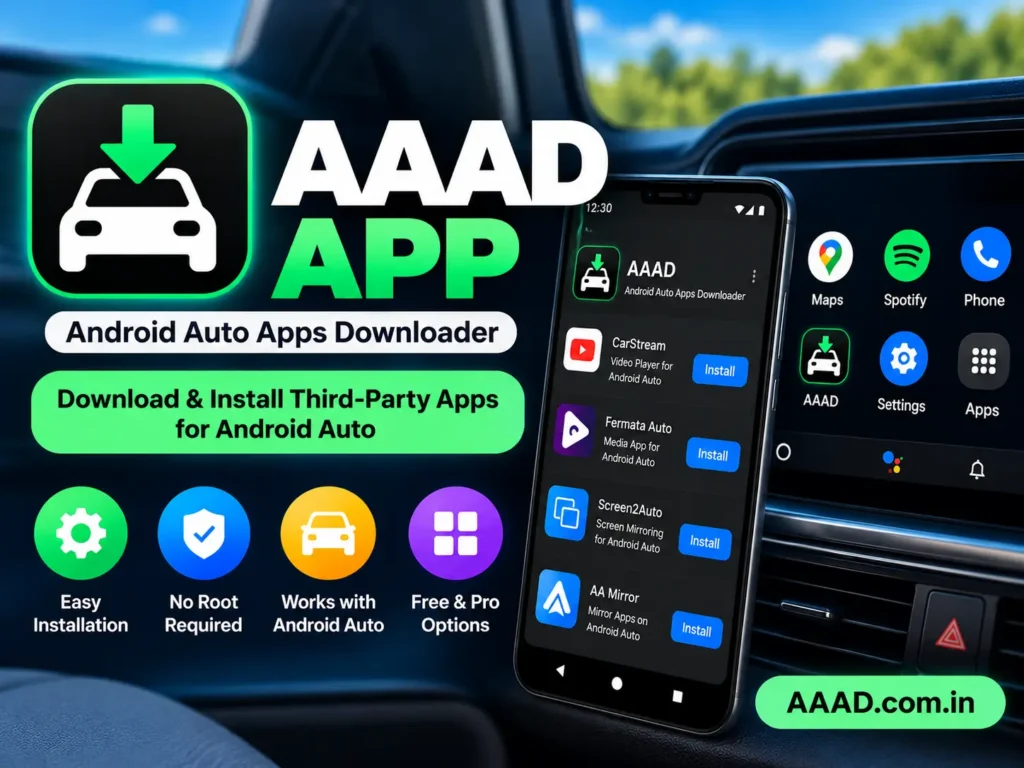
AAAD stands for Android Auto Apps Downloader. It is designed to simplify the installation of selected third-party applications intended for Android Auto.
Some applications are distributed outside the usual Google Play Store ecosystem. AAAD provides a central interface for finding and installing certain supported apps on an Android phone.
According to the original developer’s documentation, AAAD does not require root access, a PC, or Android Auto developer settings for its normal installation process.
It is important to understand that AAAD is a downloader and installer, not a replacement for Android Auto. It cannot make every Android application compatible with a car’s infotainment system.
How Does the AAAD App Work?
The AAAD app provides access to a selection of supported applications. After choosing an available app, users can download it and follow Android’s standard installation prompts.
Here is how the process generally works:
- Download AAAD from the original developer’s release page.
- Install and open the app on your Android phone.
- Review the applications available in your version.
- Select the application you want to install.
- Follow the download and installation instructions.
- Connect your phone to a compatible Android Auto system.
- Check whether the installed app appears and functions correctly.
The exact experience may vary by device and software version. Some apps may require additional setup, and others may not work with a particular Android Auto configuration.
Key Features of the AAAD App
Simple Application Selection
AAAD brings supported third-party applications together in one interface. Users can review the available options instead of searching for every APK separately.
The available list may change as applications are updated or compatibility requirements change.
No Root Access Required
One of AAAD’s main advantages is that its normal installation process does not require a rooted Android phone.
This makes it accessible to users who do not want to modify their phone’s operating system. However, avoiding root access does not mean every app is risk-free or guaranteed to work.
No Computer Required
The standard AAAD installation process takes place on the Android phone itself. Users do not normally need a computer to download AAAD and install the supported applications.
You will still need a compatible phone and Android Auto setup to use the relevant features in a vehicle.
Multiple Third-Party Apps
Depending on the version, AAAD may provide access to applications associated with media playback, screen mirroring, and other Android Auto-related functions.
Each app has its own features, requirements, and limitations. Review the app’s information before installing it.
Free and Pro Options
The developer’s documentation describes a free version that allows one download every 30 days and a Pro option that permits unlimited downloads under its stated terms.
Check the current in-app details before purchasing Pro, as licensing and availability should be confirmed from the original source.
App Downloads From Listed Sources
AAAD is designed to download selected applications from their available distribution sources. This simplifies the process, but users should still review the application’s origin and any Android security warnings.
Do not assume that every third-party application is safe simply because it appears in a downloader.
Which Apps Can You Install With AAAD?
The applications available through AAAD can vary. The following are examples associated with the project.
CarStream
CarStream is a third-party application associated with video-related functionality for Android Auto.
Its availability and operation can depend on the current AAAD release and Android Auto restrictions. Video features should only be used while the vehicle is safely parked and where permitted by local law.
Fermata Auto
Fermata Auto is associated with media-related features. Users should consult its current documentation to understand the functions available in their version.
Installation through AAAD does not guarantee compatibility with every phone or vehicle.
Screen2Auto
Screen2Auto is a tool associated with screen-related functionality for Android Auto. Its operation can be affected by Android versions, device-specific restrictions, and changes to Android Auto.
Verify its current compatibility before attempting installation.
AA Mirror
AA Mirror is associated with screen mirroring. Functionality may differ depending on the app version and the phone’s software configuration.
Always test screen-related features while parked and avoid interacting with a distracting display while driving.
Why Are Some Apps Missing?
Not every Android app is suitable for Android Auto. Some apps may be unavailable because they are not supported by AAAD, have changed their distribution method, or are incompatible with current software.
AAAD does not guarantee that every listed application will work. Check the original developer’s documentation for the latest information.
How to Download the AAAD App
To obtain the AAAD app, use the original developer’s repository rather than an unfamiliar download website.
Follow these steps:
- Open the original AAAD GitHub repository.
- Review the README and current release information.
- Open the GitHub Releases page.
- Select the appropriate available release.
- Download the APK from the developer’s release page.
- Check the file name and source before opening it.
The developer identifies GitHub as the official distribution source and states that third-party download websites are not affiliated with the project.
Important: Do not assume that an APK from another website is genuine or current. Avoid modified or cracked versions.
How to Install the AAAD App on Android
Once you have downloaded the APK from the original developer’s repository, follow these steps.
Open the Downloaded File
Find the downloaded APK in your phone’s Downloads folder or file manager.
Tap the file to open Android’s package installer.
Review Installation Permissions
Android may ask you to allow your browser or file manager to install apps from that source.
Only change this setting if you understand why it is required. Restrict the permission again afterward if you no longer need it.
Install AAAD
Review the installation prompt and proceed if the file and source are correct.
If Android displays a security warning, do not automatically ignore it. Verify the file and investigate the warning before making a decision.
Open the App
After installation, open AAAD and review its interface.
You can then check which applications are available in your version and decide whether you want to install one.
For a more detailed walkthrough, link this section to your separate AAAD APK Installation Guide.
Is the AAAD App Compatible With Android Phones?
AAAD is designed for Android phones, but compatibility can vary.
Consider the following before installing it:
- Android version: Newer Android releases may introduce installation or compatibility limitations.
- AAAD version: An older release may not work correctly on a newer operating system.
- Phone manufacturer: Some device-specific software restrictions can affect app visibility or behavior.
- Android Auto version: Updates can change how third-party applications operate.
- Vehicle compatibility: A phone app working correctly does not guarantee that it will appear on every car display.
The original documentation specifically warns that compatibility on Android 14 and newer is uncertain for AAAD 2.x releases and that versions below 2.0 are incompatible with those Android versions. Check the latest release notes before proceeding.
Do not rely on broad claims that AAAD works perfectly on every Android version or device.
Is the AAAD App Safe?
The safety of AAAD and the applications installed through it should be considered separately.
To reduce risk:
- Download AAAD from the original developer’s repository.
- Avoid modified APKs and cracked Pro versions.
- Check the source of each application before installation.
- Review the permissions requested by installed apps.
- Keep Android and other software updated.
- Investigate security warnings instead of automatically bypassing them.
- Remove apps you no longer trust or need.
AAAD installs third-party applications, so users should understand the risks associated with installing software outside the Google Play Store.
The developer also warns that applications installed through AAAD may stop working if Android Auto changes. For these reasons, avoid treating any third-party installer as a guarantee of security or long-term compatibility.
AAAD App Free vs. Pro
AAAD provides free and Pro usage options, according to the original developer’s documentation.
| Feature | Free Version | Pro Version |
|---|---|---|
| Download allowance | One download every 30 days, according to the developer | Unlimited downloads under the stated terms |
| App selection | Available supported apps | Available supported apps |
| Root required | No for the normal AAAD process | No for the normal AAAD process |
| Computer required | No for the normal installation process | No for the normal installation process |
| Payment | Free option | Paid license |
Confirm the current terms inside the app before purchasing. A Pro license does not guarantee that every third-party application will work with your device or Android Auto version.
Common AAAD App Problems and Solutions
AAAD App Is Not Installing
Check that the APK was downloaded completely from the original source. Confirm that your Android version can run the selected release and review any installation error messages.
If Android blocks the file with a security warning, investigate the warning rather than blindly disabling protections.
An Installed App Does Not Appear in Android Auto
An app can install successfully but remain unavailable on the vehicle display.
Check the app’s compatibility requirements, your Android Auto version, and the current AAAD documentation. The issue may be caused by a device restriction or a change to Android Auto.
AAAD Download Is Not Working
Check your internet connection and confirm that the developer’s release is available. If the download repeatedly fails, consult the original repository for current instructions.
Avoid switching to an unknown APK website just because a download is unsuccessful.
AAAD Does Not Work After an Android Update
An operating system update can affect compatibility. Check the release notes and known issues before reinstalling AAAD or attempting other fixes.
Installing an older version may introduce additional security or compatibility problems, so do not downgrade without a clear reason.
AAAD App vs. Android Auto
Android Auto is Google’s platform for using compatible phone applications through a vehicle’s infotainment display.
AAAD is a separate Android application that helps users install selected third-party apps associated with Android Auto.
The difference is straightforward:
- Android Auto: Provides the standard connected driving experience.
- AAAD: Helps install selected third-party applications that may not be available through the usual app distribution process.
- Compatibility: Depends on the phone, software versions, app, and vehicle.
- Safety: Neither app installation nor screen availability means that a feature is appropriate to use while driving.
If you only need standard navigation, messaging, calls, and supported media apps, you may not need AAAD.
Frequently Asked Questions
What Does AAAD App Stand For?
AAAD stands for Android Auto Apps Downloader. It is designed to download and install selected third-party applications intended for Android Auto.
Is the AAAD App Free?
AAAD offers a free option with a limited download allowance and a Pro option. According to the developer’s documentation, the free version permits one download every 30 days, while Pro allows unlimited downloads. Confirm current terms before purchasing.
Does AAAD Require Root Access?
No. The original developer describes the normal AAAD installation process as working without root access.
Can I Install AAAD on an iPhone?
AAAD is an Android application, not a native iOS app. An iPhone cannot install the Android APK directly.
Is AAAD Available on Google Play?
The original developer states that AAAD is distributed through its GitHub repository rather than the Google Play Store.
Does AAAD Work on Every Android Phone?
No. Compatibility depends on the Android version, AAAD release, device-specific restrictions, Android Auto version, and the selected app.
Can AAAD Apps Stop Working?
Yes. Changes to Android Auto or Android can affect third-party apps. The developer does not guarantee that every app installed through AAAD will continue to work.
Do I Need a Computer to Use AAAD?
A computer is not normally required for the standard AAAD installation process. The download and installation steps take place on the Android phone.
Final Verdict: Is the AAAD App Worth Exploring?
The AAAD app can be useful for Android users who want to explore selected third-party applications intended for Android Auto. Its straightforward interface and normal installation process, which does not require root access or a computer, make it an option worth researching.
However, it is not a universal solution for installing every Android application on a car display. Compatibility can vary, third-party apps have their own risks, and future Android Auto updates may change what works.
For the best experience, read the original developer’s documentation, download AAAD from the official repository, and verify compatibility before installing additional apps.